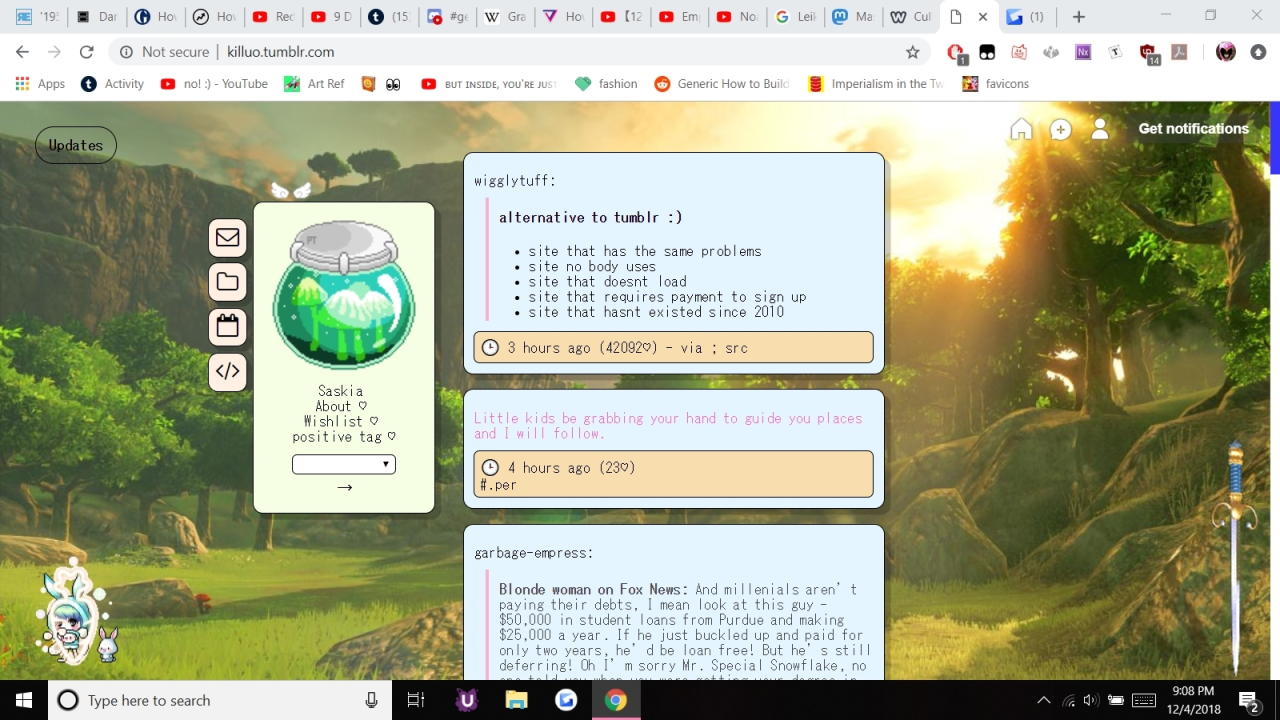
so as this post says, if you’r finding your blog is all jumbled, old posts popping up to the front, new posts not showing up at all, etc it is because of those posts being flagged and then unflagged. all you have to do is open them to edit and save them again and they’ll go back.
i just wanted to make this separate post to add that once you do that all your new posts will go back to being visible at the top of your blog as they should be i just did it and now everything’s fine on my blog.
PLEASE TRY THIS AND REBLOG THIS TOO
This is what I did lads. If your homepage has been tumblr’d, this is how to un tumblr it. You gotta edit every single flagged/unflagged post though.
To make this easier
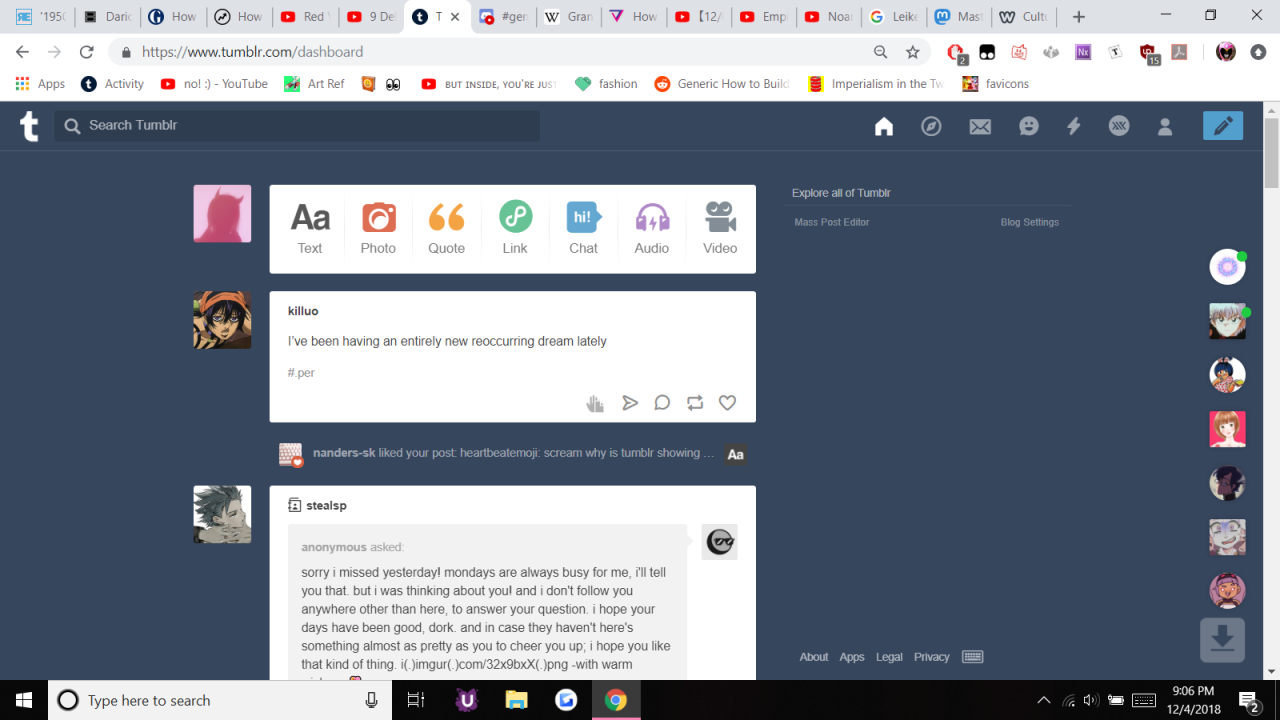
1) Go to your tumblr
2) Take note of the date of the first post on your 2nd page
3) Go back to the 1st page of your blog and basically edit every post that has a date that comes before the date in #2
4) Refresh your homepage, repeat
5) If u no longer have posts before the date in #2, you’re good
Spread this message. If you’ve had content flagged you need to check if Tumblr has muted your blog. Your posts will still show up on the dash of followers but your most recent posts will be from hours ago (up to 48 hours prior) on your actual blog URL. Make a test post and post it to your blog. Go to your blog url in an incognito window and see if the post you just made can be seen. If it can you’re good. If not Tumblr has muted your blog.
You’re lying on the sofa under a blanket, lights dimmed, watching your favourite TV show. Your cat is laid across you, sleeping but purring quietly. All is calm. All is good.
but then out of the corner of your eye you spot him




 Backup